Updated 27 October 2026 · By MyDMU
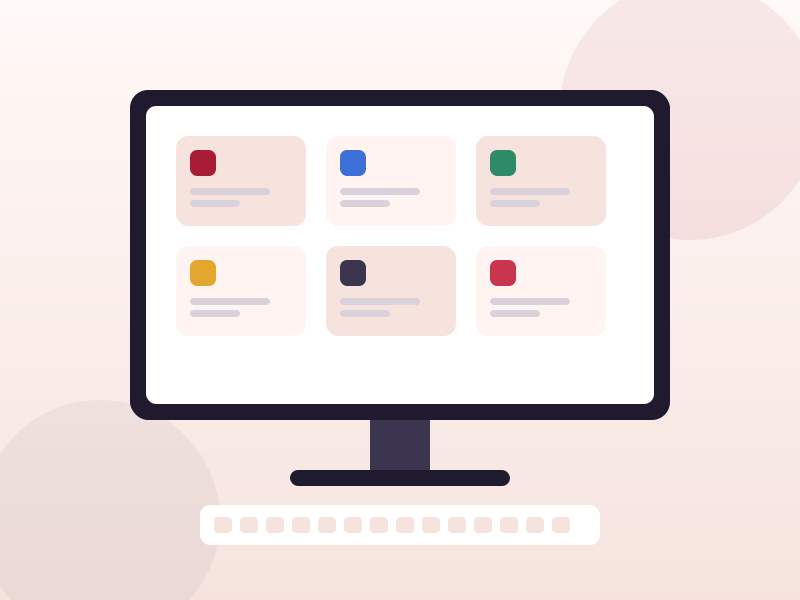
You do not need a phone to use MyDMU. The web portal works in any modern browser on Windows, macOS, Linux and Chromebooks, and there is a small Microsoft Store listing that acts as a shortcut on Windows.
Searching the Microsoft Store for myDMU brings up a free listing that opens the online portal quickly. It is a launcher rather than a full application, so there is no separate feature set to learn. Install it if you like having a tile on the Start menu; otherwise a browser bookmark does the same job.
The portal is available from any computer, on or off campus, at any time. Nothing needs to be installed.
Both Edge and Chrome can install a website as an app. Open the portal, go to the browser menu, choose Install this site as an app (Edge) or Install page as app (Chrome). The portal then opens in its own window with an icon on the taskbar or dock. Safari on macOS has a similar Add to Dock option.
The web portal gives you everything the app does, plus a few things the app does not: student letters, ratified marks, financial account details and the registration tiles are all easier to work with on a larger screen. The app wins on notifications and quick timetable checks.
Campus computers in the library and labs are already signed in to the university network, but MyDMU still asks for your account because it holds personal information. Sign out when you leave, and avoid saving your password in the browser on shared machines.
There is nothing to sync manually. The portal and the app both read the same central systems, so a timetable change you see on your laptop is already on your phone.
 MyDMU