Nine articles that cover the portal and app from first sign-in to troubleshooting. Each one is written to be read in a few minutes and acted on straight away.
The exact sign-in flow for the MyDMU portal and app, what the login page expects, and how to keep your session stable.
Read the article →
Where to get the MyDMU app for each phone, how big it is, and the first-run settings worth changing straight away.
Read the article →
How the MyDMU timetable is built, how to read room codes, and what to do when a session is missing or wrong.
Read the article →
The Microsoft Store shortcut, the browser portal, and how to make MyDMU behave like a desktop app on Windows and Mac.
Read the article →
Which alerts MyDMU sends, how to control them, and how in-app messages differ from university email.
Read the article →
How MyDMU links to LearningZone, the Library catalogue, IT support and the Students' Union, and what each link gives you.
Read the article →
A short checklist for the most common MyDMU faults: repeated logouts, blank screens, missing tiles and login loops.
Read the article →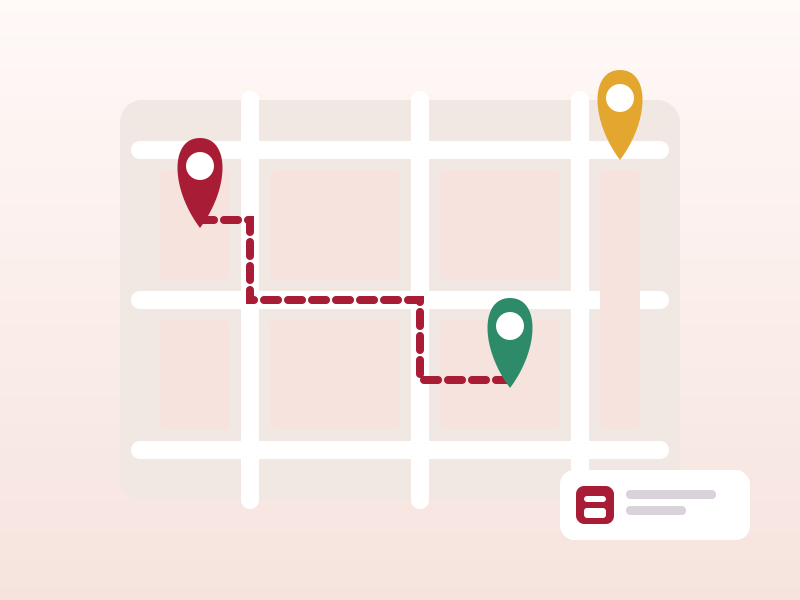
Finding events, saving them, using the built-in campus map, and locating study spaces and food outlets from the app.
Read the article →
Using the web portal tiles for official letters, financial account details, bursaries, and annual registration.
Read the article → MyDMU