Updated 27 October 2026 · By MyDMU
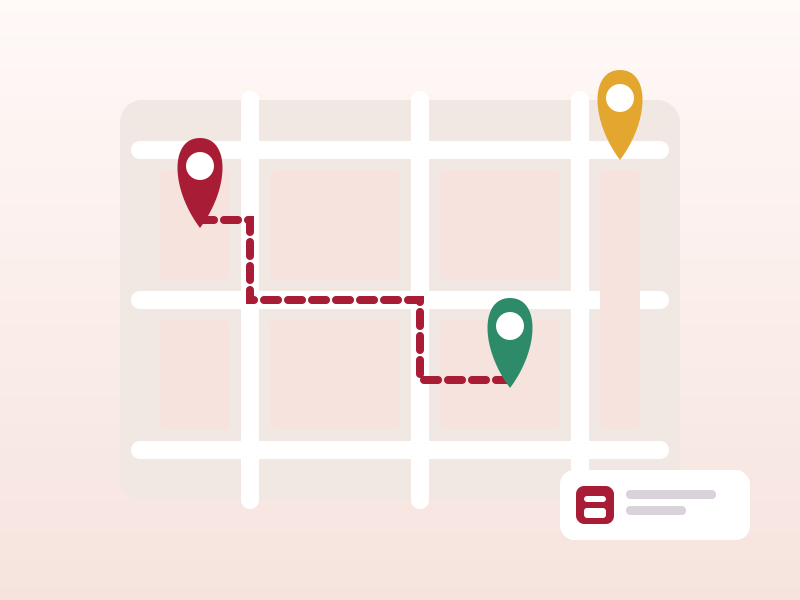
Beyond the timetable, MyDMU is the easiest way to see what is happening across campus and to find your way to it. This guide covers the events feed, the map and the facilities directory.
The events section lists university-wide activities: careers fairs, guest lectures, wellbeing sessions, society showcases and sports fixtures. Each entry shows the date, time, location and a short description. Online events include a link to Microsoft Teams so you can join from the app.
Mark an event as interested and it appears in your personal list with an optional reminder. You can filter by category to see only careers or only wellbeing events, for example.
The map covers the Leicester campus with every building labelled by its code. Tap a building to see its name, the facilities inside and a walking route from your current position. Timetable sessions link straight to the map, so a tap on a lecture block drops a pin on the right building.
Building codes on the map match the codes on your timetable. Learn the handful you use most and navigation becomes automatic.
The facilities directory lists library floors, silent study rooms, group rooms and computer labs with opening hours. Some spaces show live availability during busy periods such as exam season, which helps you avoid a wasted walk.
Cafés, canteens and shops on campus appear with their opening times. Vacation hours differ from term-time hours, and the directory reflects the current schedule.
Building entries include step-free access notes and lift locations. If you have an access requirement, the map is a good first check before an unfamiliar room.
Event reminders are handled through notifications for now. Direct export to a phone calendar is on the roadmap alongside timetable export.
 MyDMU